GoFlexConnect Field Survey Guide
Use this guide to get ready for a cellular survey, collect organized field readings, and protect the work you do in GoFlexConnect for Android.
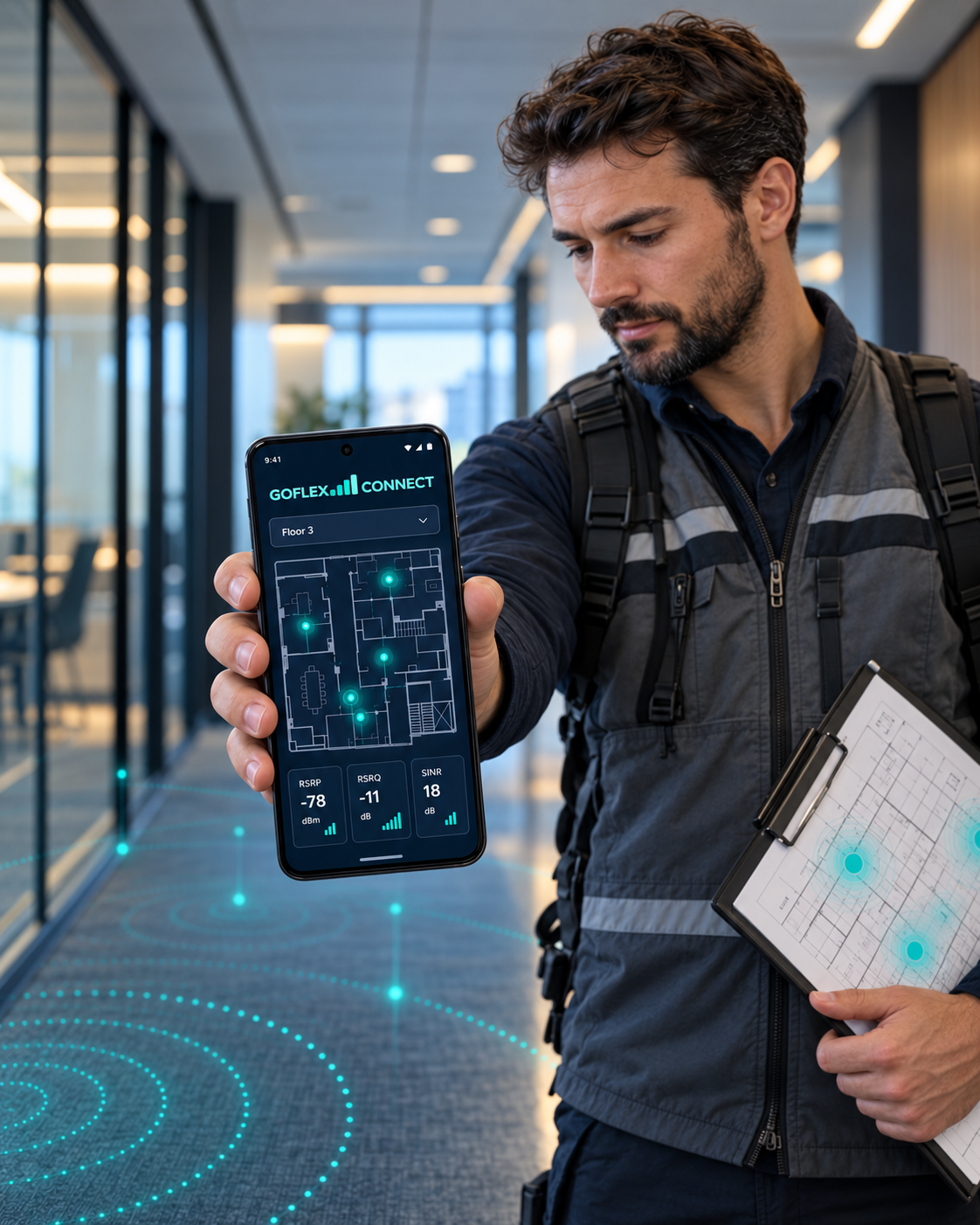
Before you go to the site
- Install GoFlexConnect from the official Android download page.
- Sign in and confirm that your account and plan are ready.
- Charge your phone, allow the location permissions needed for your survey, and bring a floor plan if you have one.
- Check your organization's survey procedure and the network/device conditions you need to record.
Collect readings in a repeatable way
- Create a project with a clear site name and useful notes.
- Add the floor plan or floor information that helps explain where readings were taken.
- Walk the area and capture points at a consistent height and at meaningful locations such as entrances, corridors, rooms, elevators, and known problem areas.
- Review the available signal readings, location details, and timestamps as you work. Device, carrier, permissions, and indoor conditions affect which values are available.
- Review the map and report as visual summaries of measured points, not predictions for unsurveyed areas.
Keep your Android project data safe
Project and measurement data is stored on the phone by default. Reconnecting to the internet does not automatically create a cloud backup. GoFlexConnect disables Android's automatic app-data backup so you can manage the copy you save.
- Open GoFlexConnect Settings and tap Save Backup.
- Choose a destination in Android's save/share screen. You may choose Google Drive if it is available, or another location you control.
- Wait for the save to finish. Open the destination and confirm the backup file exists.
- Repeat monthly or after important survey work. You can ignore or turn off the in-app reminder.
- Keep a copy separate from the phone. Before restoring, keep the original phone and backup untouched until you verify the restored project.
Common questions
Does reconnecting sync my Android projects?
No. The Android project workflow is local-first. Account and website services use the internet, but that does not mean project records are automatically uploaded.
Can every phone provide RSRP, RSRQ, SINR, band, and cell ID?
Metric availability varies with the Android device, modem, carrier, operating-system version, permissions, and network conditions. The app can only show values the device makes available.
Is a heatmap a predictive coverage model?
No. It visualizes collected survey points and helps interpret them. It does not predict RF coverage in locations that were not measured or replace professional engineering analysis.
Where do I get help with GoFlexCloud IT services?
GoFlexConnect is a product of GoFlexCloud. For IT support and managed services, visit GoFlexCloud. For the app, email support@goflexconnect.com.
Get the printable PDF guide
Enter your name and email to receive a short-lived download link. Company is optional. Marketing follow-up is a separate choice and is not required to get the guide.